


Overview
Applications in Okta represent the various software applications and services that users can access through the Okta organization. Applications can be configured to use different authentication methods, such as SAML, OIDC, or SWA. These protocols can either be configured manually by administrators or automatically by adding an application from Okta’s App Integration Catalog, which provides a wide range of pre-configured cloud and on-premises application templates. With the exception of API Service applications, Okta users and groups can be assigned to applications. Users can also be synchronized TO and FROM applications in Okta, typically using the SCIM protocol. For example, when integrating with GitHub Enterprise Cloud, Okta can be configured to automatically create user accounts in GitHub when users are assigned to the GitHub application in Okta. Applications are represented as Okta_Application nodes in BloodHound.Edges
The tables below list edges defined by the Okta extension only. Additional edges to or from this node may be created by other extensions.
Inbound Edges
Outbound Edges
Properties
Common Application Properties
Individual application types may have additional properties specific to the integration or protocol:
GitHub Cloud
Google Workspace
Jamf Pro SAML
Active Directory Integration
Generic SAML Application
Generic OIDC Service Application
Microsoft Entra ID External Authentication
Microsoft Office 365
Generic SWA / Browser Plugin Application
Sample Property Values
Github Cloud
Google Workspace
Jamf Pro SAML
OktaHound
Active Directory Integration
User Name Mapping
User name mapping from Okta to SAML 2.0, OpenID Connect (OIDC), and Secure Web Authentication (SWA) applications is configurable in the Okta Admin Console, with the default setting being the Okta username pass-through, i.e.,${source.login}.
API Service Applications
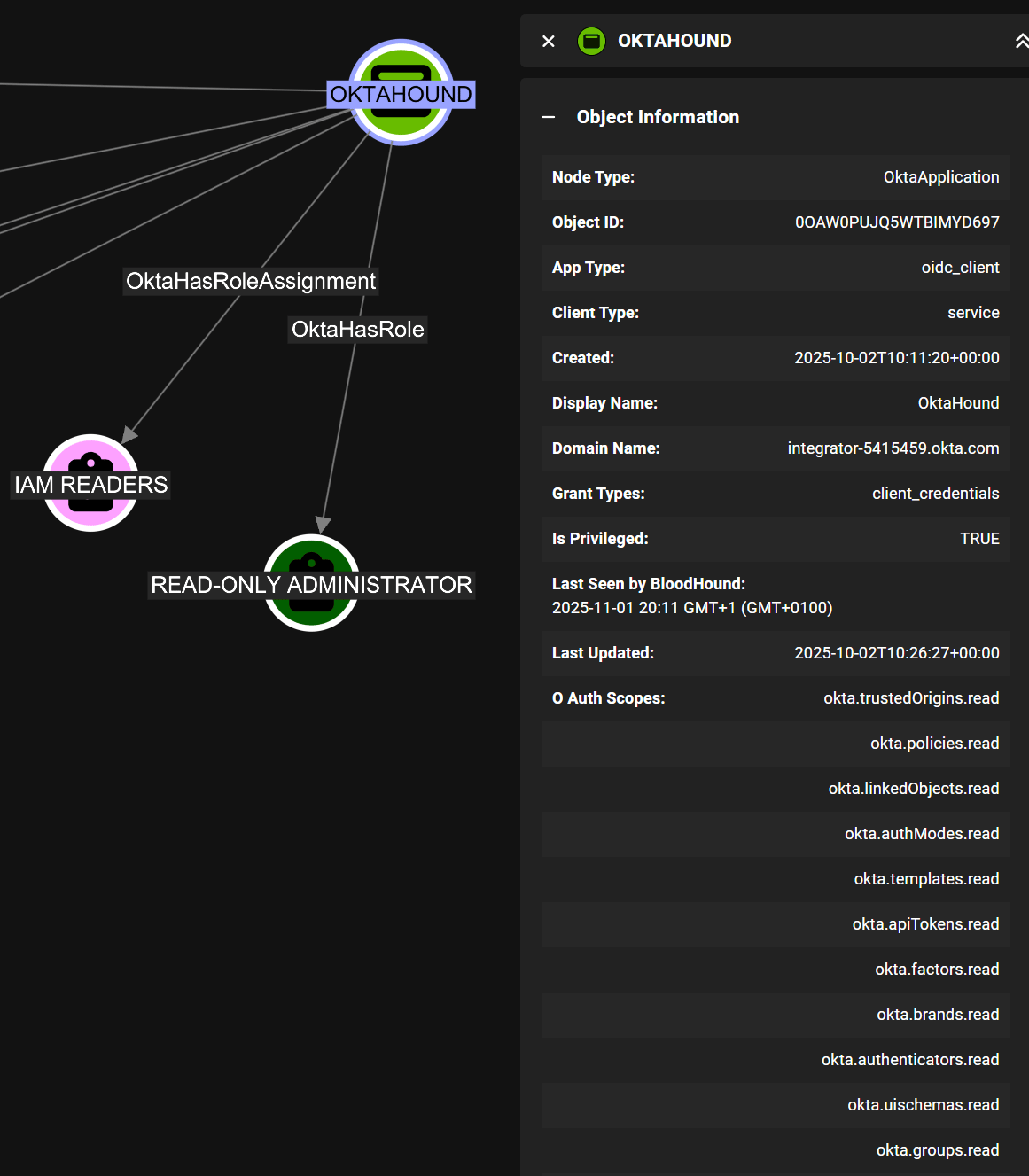
This application type is the most interesting one from the security perspective, as it represents OAuth 2.0 service (daemon) applications that can be granted machine-to-machine access to Okta APIs, without any user interaction. These applications can be assigned administrative roles, e.g., Super Admin, and OAuth 2.0 scope grants, e.g.,okta.users.manage. Any API operation must be allowed by both the assigned roles and the granted scopes.
Hybrid Edges
For supported systems like Active Directory, GitHub Enterprise Cloud, or Jamf Pro, hybrid edges in BloodHound to represent the relationships between these external systems and Okta.Active Directory Synchronization
When Okta’s Active Directory (AD) integration is configured for user and group synchronization, the connected AD domain is represented as anOkta_Application node in BloodHound.
This allows you to visualize the AD-backed application alongside other applications in your Okta environment and understand its relationships with users, groups, and roles.
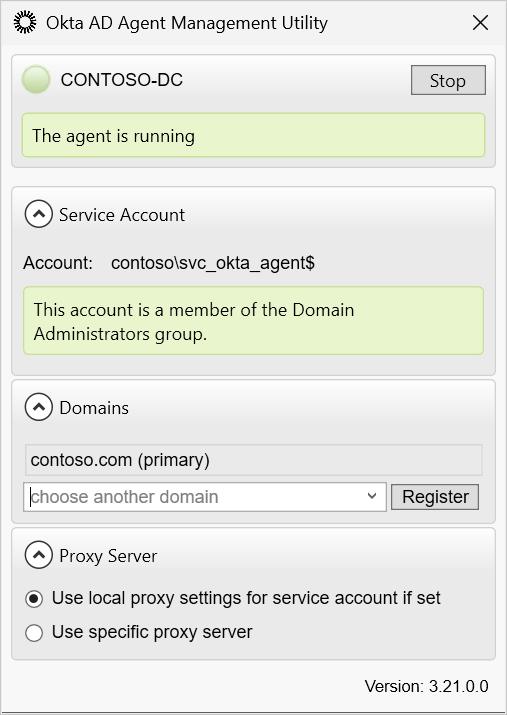
The synchronization is performed by domain-joined servers with the Okta AD Agent installed.
This agent typically has Domain Admin privileges in the connected AD domain to perform user and group enumeration and synchronization,
making it a high-value target for attackers.
- Agentless Desktop SSO
- Password Synchronization
- Active Directory Federation Services (ADFS) integration with Okta as a SAML IdP
GitHub Enterprise Cloud Organizations
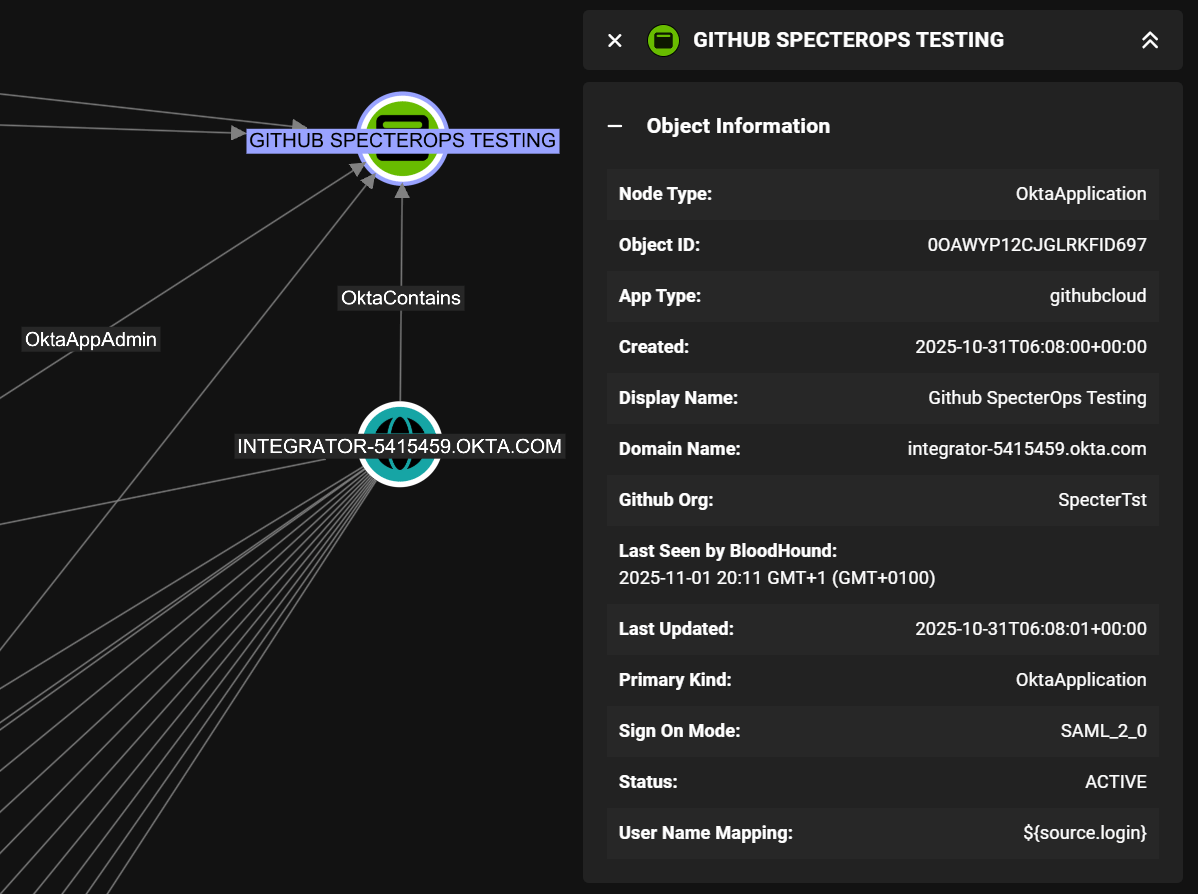
When integrating Okta with GitHub Enterprise Cloud, each GitHub organization connected to Okta is represented as a separateOkta_Application node in BloodHound.
Jamf Pro
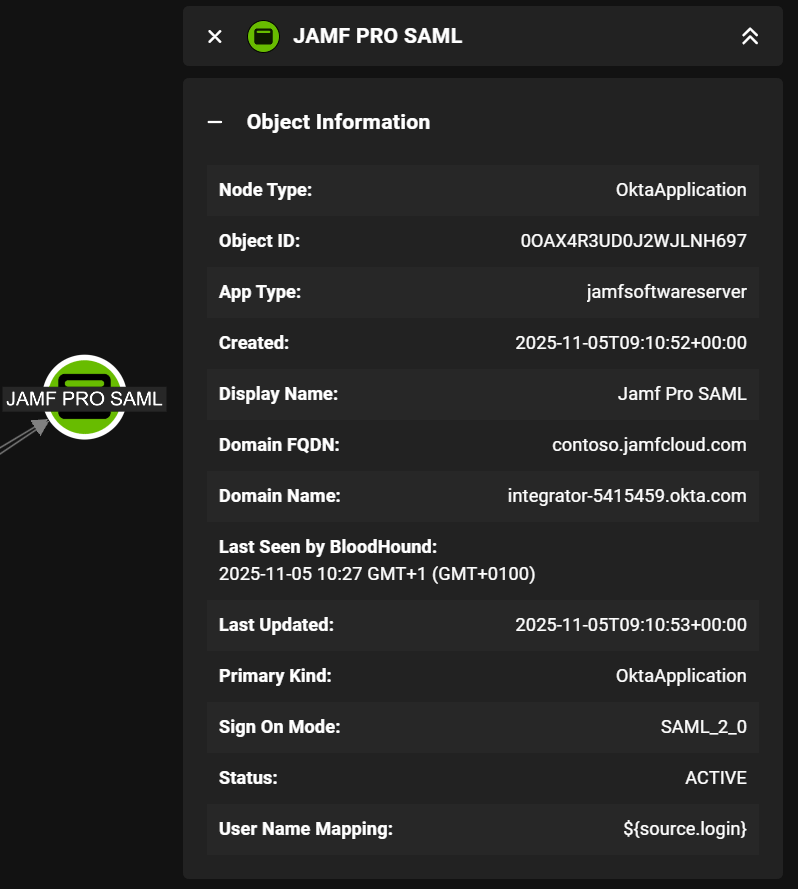
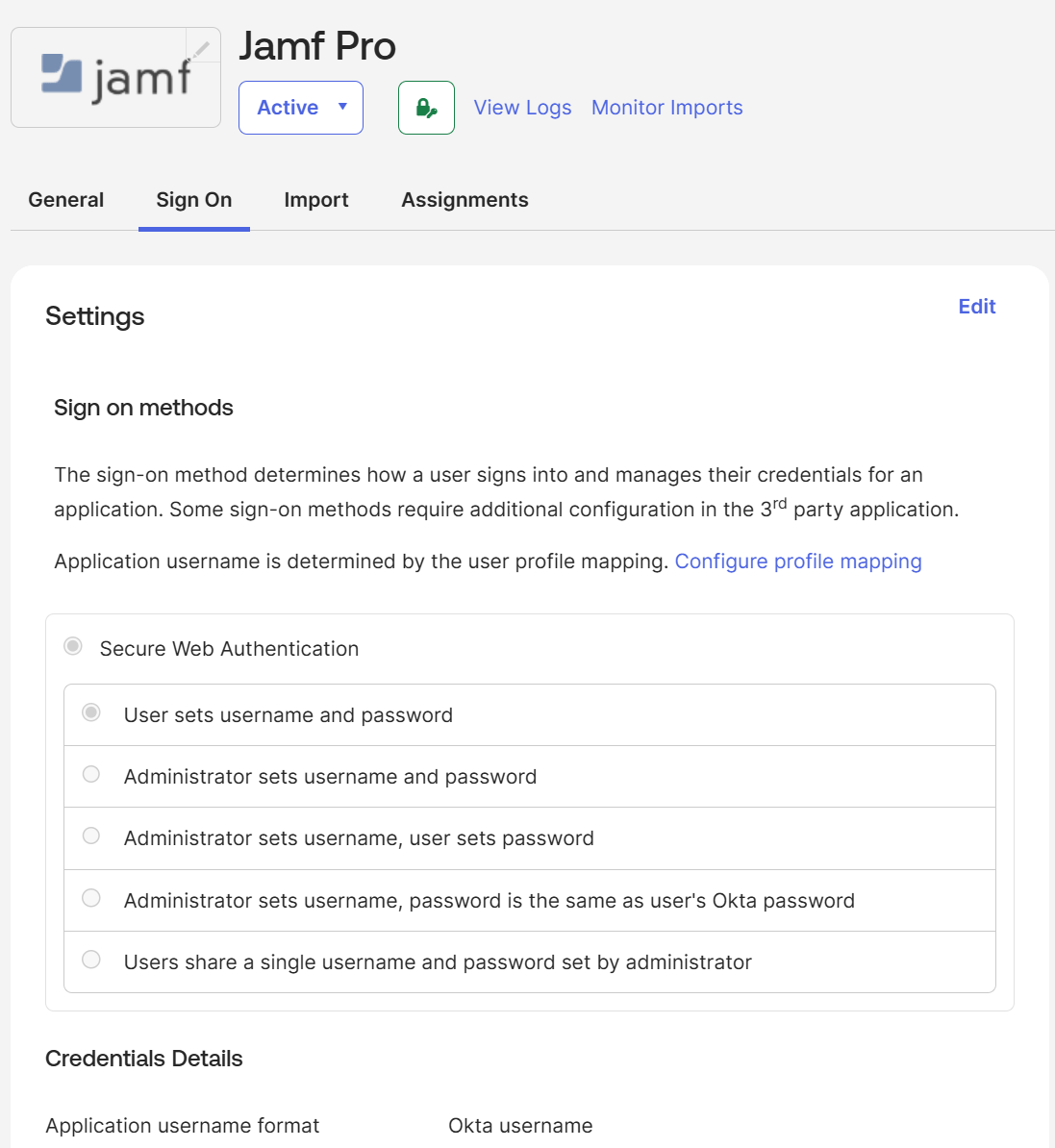
When integrating Okta with Jamf Pro using SAML 2.0, each Jamf Pro instance connected to Okta is represented as a separateOkta_Application node in BloodHound.
The differentiator is the domainFQDN property:
Google Workspace
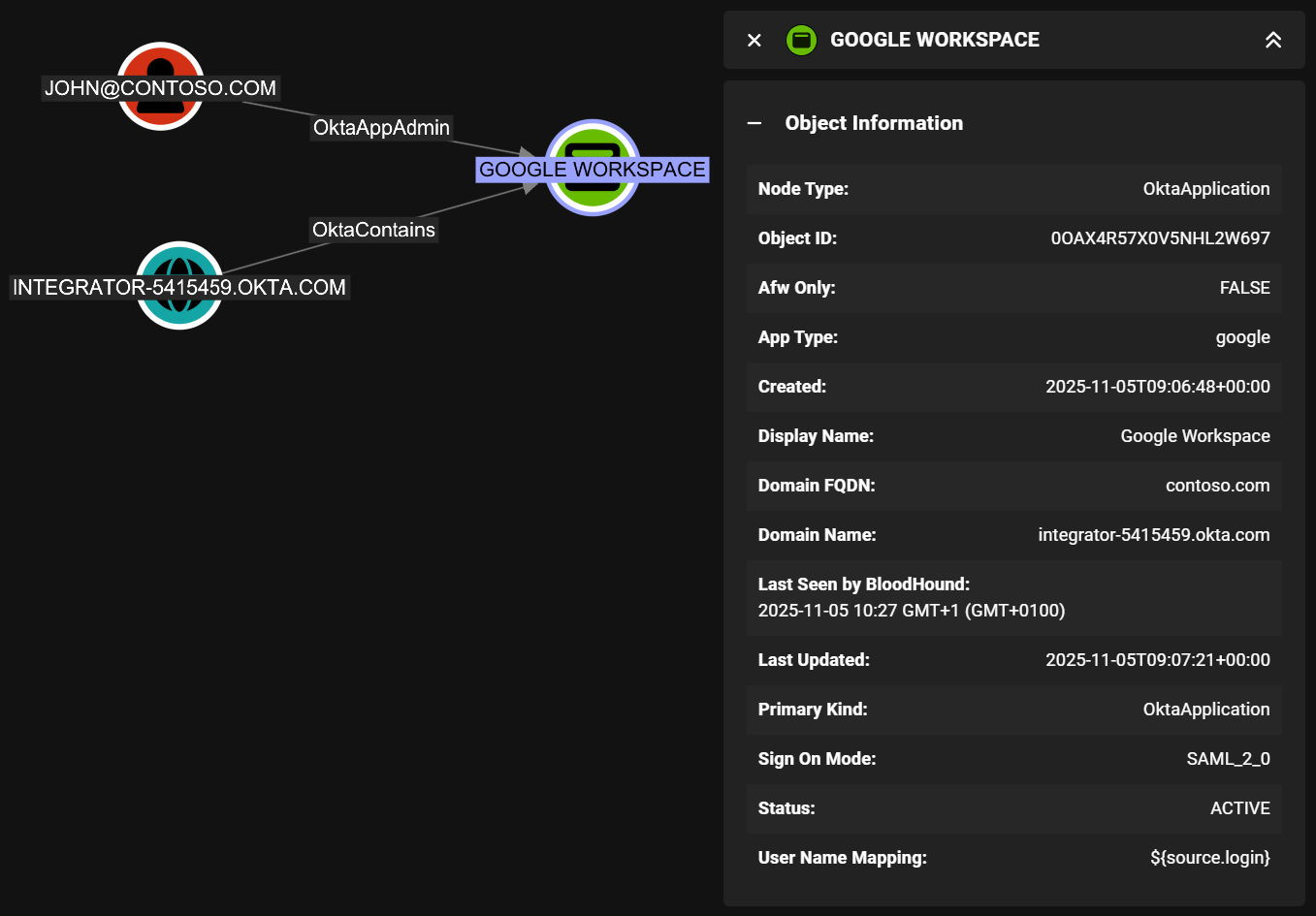
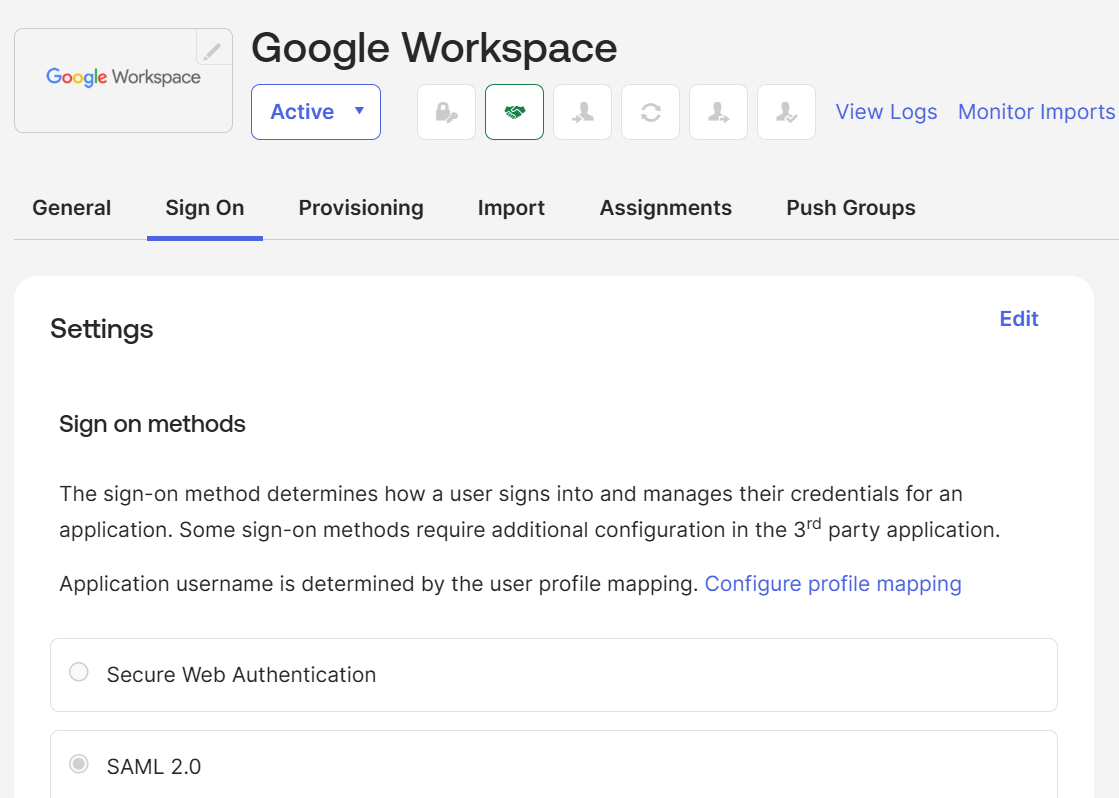
Similarly to the Jamf Pro SAML applications, each Google Workspace (formerly G Suite) instance connected to Okta using SAML 2.0 is represented as a separateOkta_Application node in BloodHound and is identified by the domainFQDN property:
Generic SAML 2.0 Applications
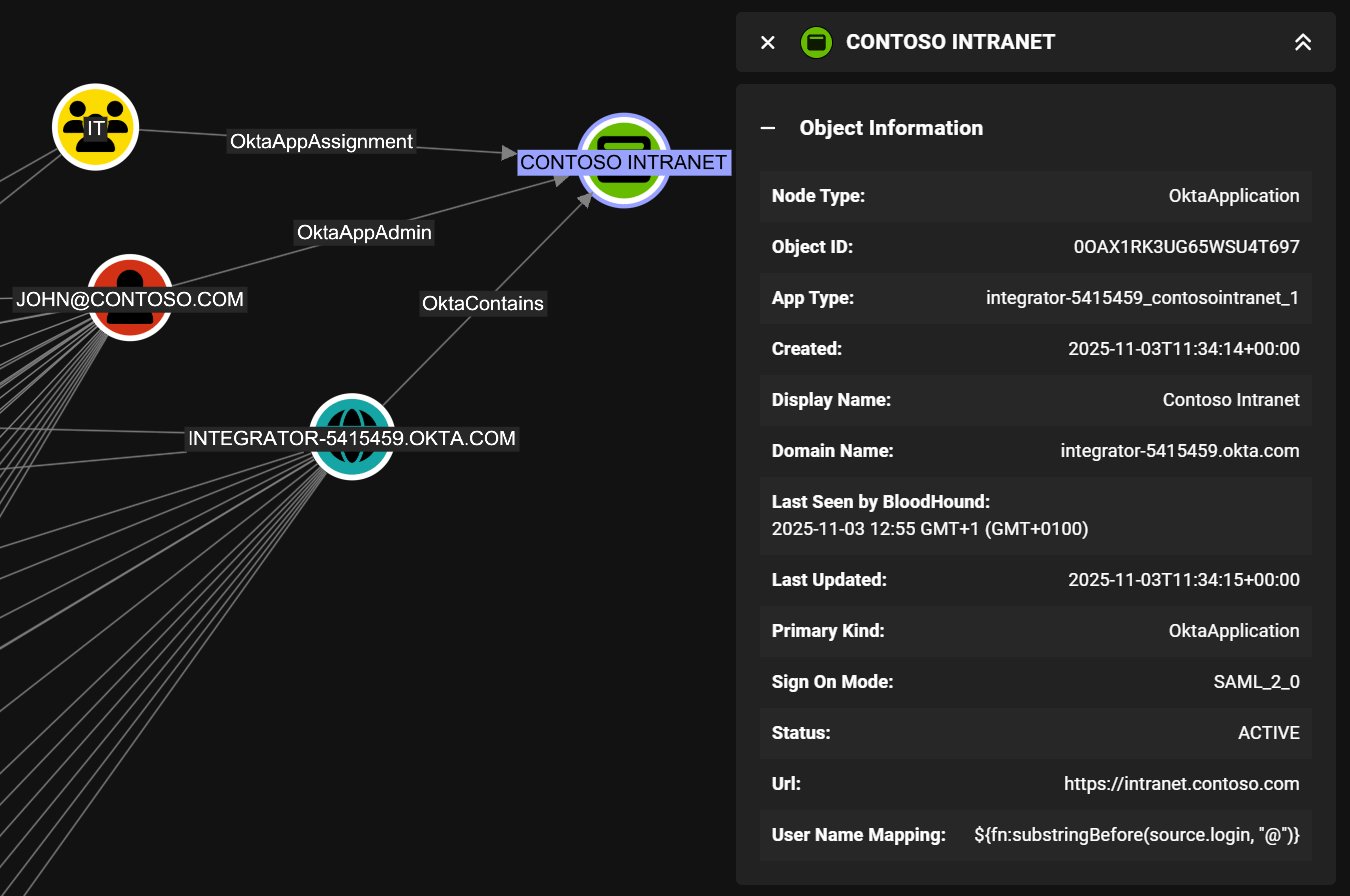
The assertion consumer service (ACS) URLs of generic (non-Catalog) Okta SAML 2.0 applications are exposed via theurl attribute in BloodHound.
Generic Secure Web Authentication (SWA) Applications
Secure Web Authentication (SWA) is an Okta technology that provides Single Sign-On (SSO) functionality to external web applications that don’t support federated protocols. SWA applications store user credentials in Okta and automatically fill them in when users access the application through the Okta dashboard. The app’s login page URL is exposed via theurl attribute in BloodHound.
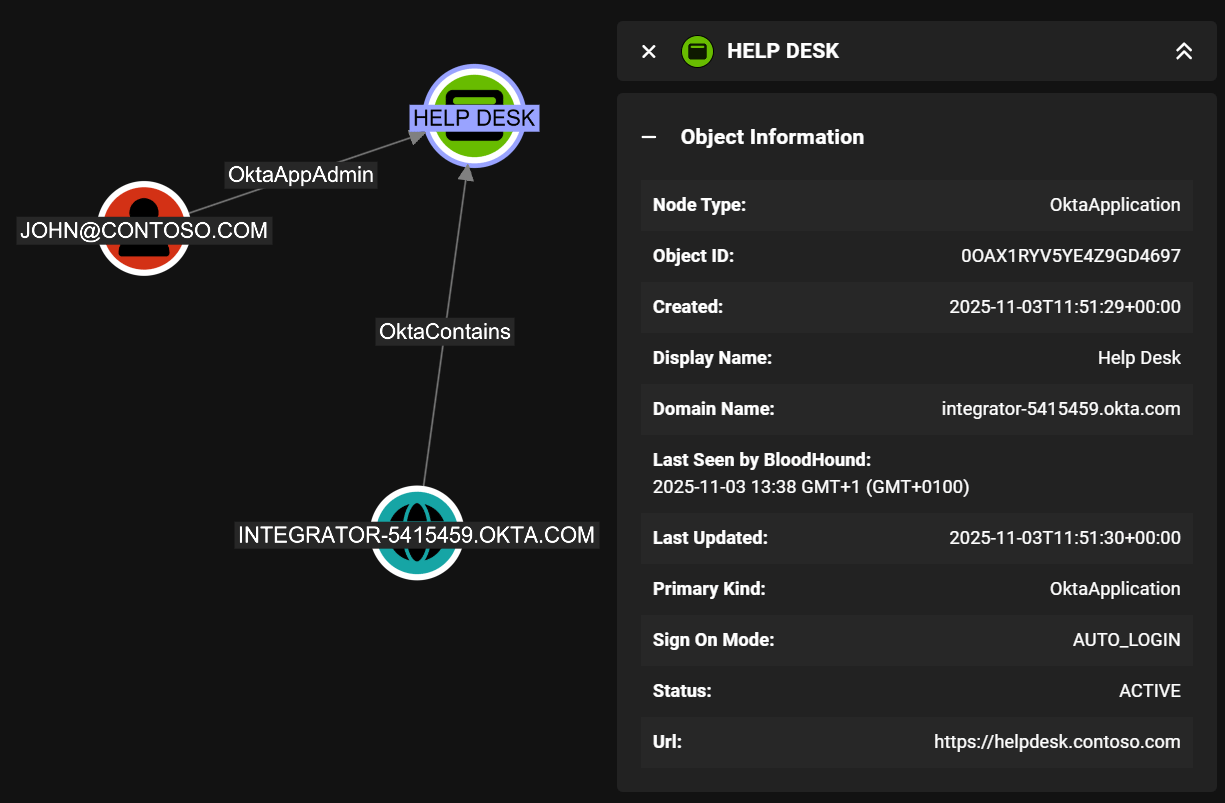
Generic OpenID Connect (OIDC) Applications
Okta supports three types of OIDC applications:- Web Application
- Single-Page Application (SPA)
- Native Application
http://localhost:8080/, making it hard to identify the actual application address. The optional Okta-initiated sign-in flow URL is therefore exposed in the url attribute in BloodHound instead, if configured.
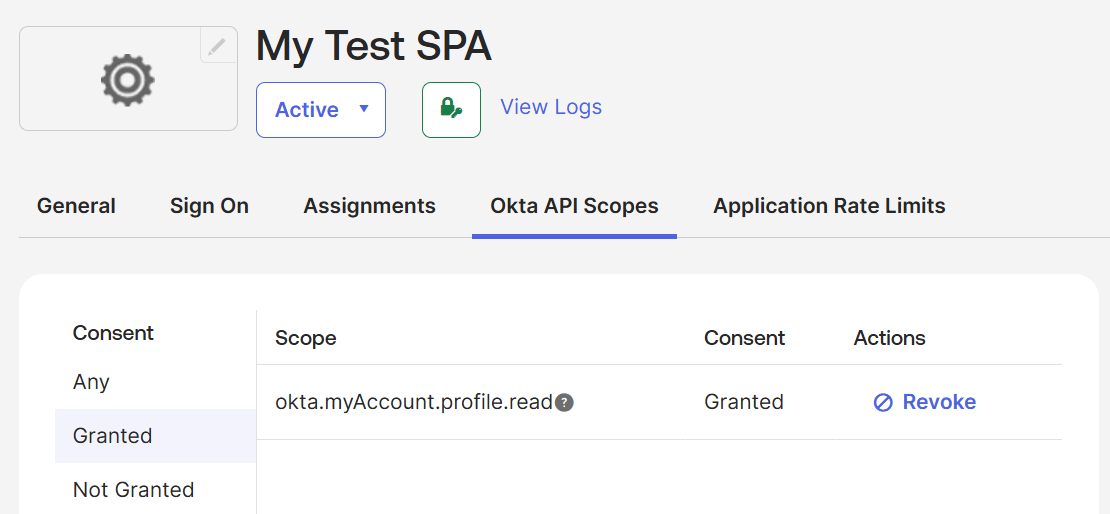
OIDC applications can be granted OAuth 2.0 scopes to access Okta APIs on behalf of users:
SCIM-Enabled Applications
Thefeatures attribute of Okta_Application nodes may contain the following SCIM-related values,
indicating if SCIM is enabled and which protocol capabilities are supported: